Smart Home Networking
Welcome to the ultimate guide on smart home networking. If you're looking to optimize connectivity and performance in your smart home, you've come to the right place. This guide will take you through the essential networking devices that can help enhance your smart home experience.
Key Takeaways
- Understanding smart home networking is crucial for optimal device performance.
- Key smart home devices include routers, switches, and range extenders.
- Regular updates and proper placement of devices can improve connectivity.
- Utilizing wired connections where possible can increase reliability.
What is Smart Home Networking?
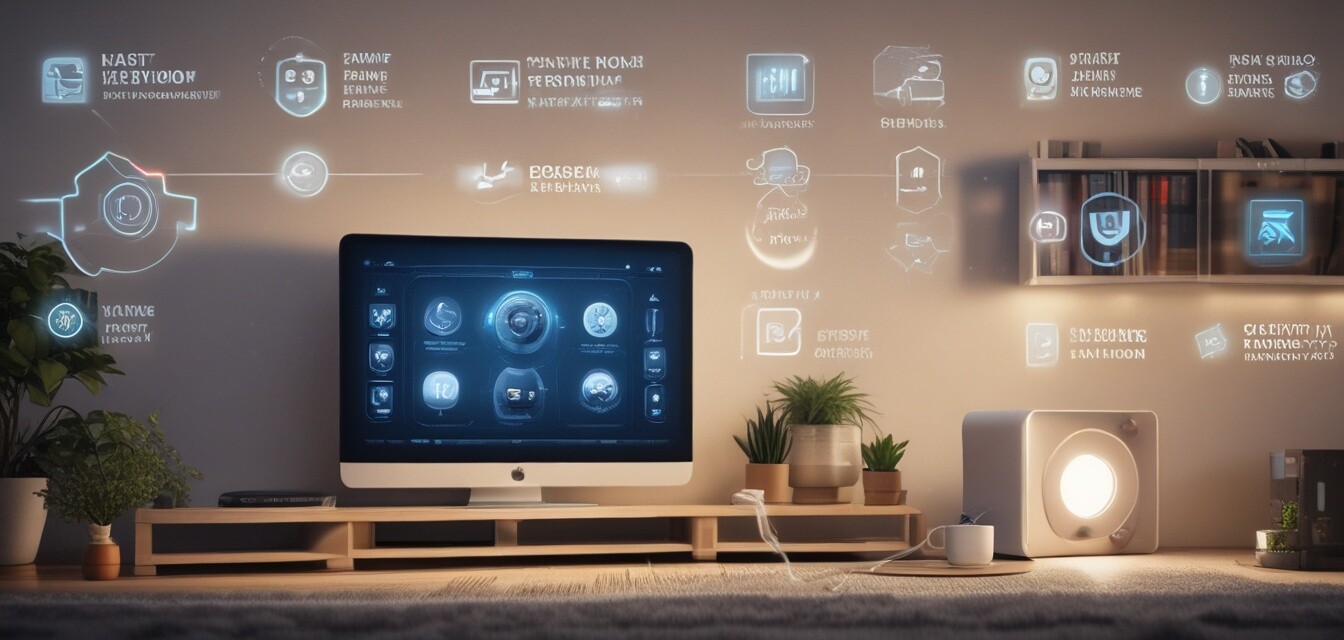
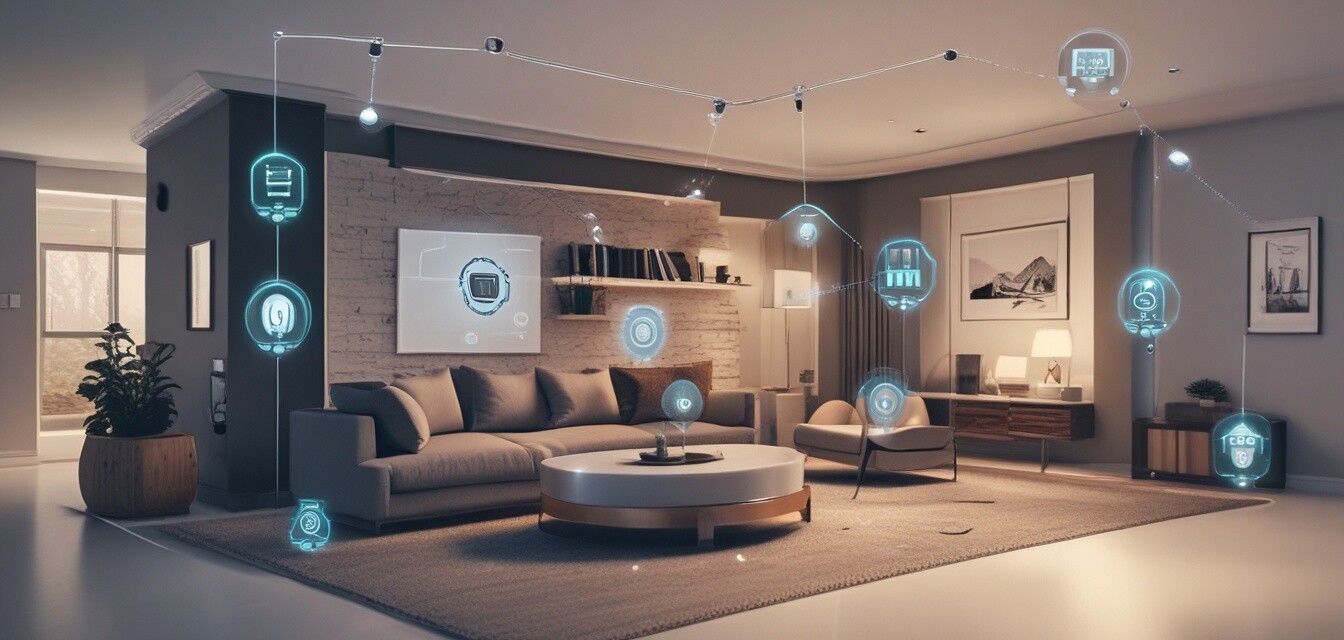
Smart home networking refers to the various technologies that connect smart devices within a home for better management and control. These networking devices allow your smart appliances, security systems, lighting solutions, and more to communicate seamlessly.
Essential Networking Devices for Smart Homes
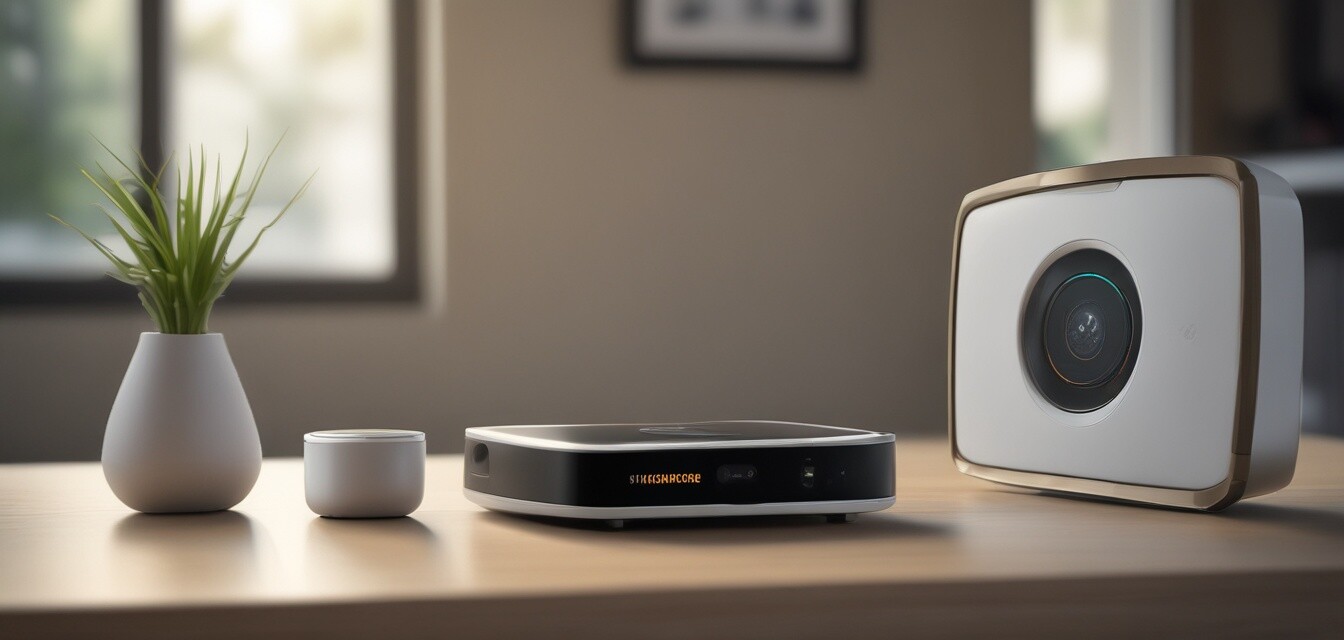
To establish a reliable smart home network, several key devices are necessary. Here’s a summary of these devices:
| Device | Function | Importance |
|---|---|---|
| Router | Connects all devices to the internet. | Central hub for communication. |
| Switch | Connects multiple devices on a local network. | Helps in expanding connectivity. |
| Range Extender | Extends the wireless signal to hard-to-reach areas. | Improves Wi-Fi coverage throughout your home. |
| Access Point | Creates a new Wi-Fi network extension. | For larger homes or additional networks. |
| Network Attached Storage (NAS) | Provides central storage for media and files. | Offers shared access to files among devices. |
Why Proper Networking is Essential
Maintaining a strong network connection is crucial for enhancing device performance, ensuring security, and maximizing efficiency in your smart home. Poor networking can lead to disconnections and inefficiencies that undermine the benefits of a smart home.
Improving Your Network Performance
Here are some tips to improve the performance of your smart home network:
Tips for a Reliable Smart Home Network
- Place your router centrally in your home for better coverage.
- Regularly update your router firmware to enhance security and performance.
- Utilize wired connections for devices that require high bandwidth.
- Consider using a mesh network for larger homes to improve coverage.
- Monitor device connectivity periodically to identify any issues.
Common Networking Challenges
While setting up your smart home networking can significantly enhance your home’s functionality, it can also come with challenges. Here are some common issues you might encounter:
| Challenge | Solution |
|---|---|
| Weak Wi-Fi signal | Use a range extender or consider a mesh network. |
| Interference from other devices | Change the channel of your router or relocate devices. |
| Network congestion | Limit the number of devices connected or prioritize traffic. |
| Incompatible devices | Ensure all devices are compatible with your network standard. |
Tips for Overcoming Networking Challenges
- Regularly reboot your router to clear caches.
- Consider upgrading your router to a newer model that supports advanced features.
- Optimize device settings for better network integration.
Conclusion
In conclusion, proper networking is essential for a fully functional smart home. By understanding the various devices available and implementing best practices, you can optimize your smart home network for better performance and connectivity. For more insights, check out our sections on Smart Appliance Controllers and Smart Home Security.
Pros
- Enhanced connectivity between devices.
- Flexible management of home systems.
- Improved efficiency and automation capabilities.
- Greater control over security systems.
Cons
- Initial setup can be complex for beginners.
- May require maintenance and updates.
- Potential connectivity issues.