Smart Home Automation Software
Key Takeaways
- Smart home automation software integrates various devices for enhanced control.
- Compatibility with devices is crucial for seamless operation.
- Different types of automation software cater to various user needs and preferences.
- User-friendly interfaces are essential for efficient management.
In today’s technology-driven world, smart home automation software plays a crucial role in optimizing the management and control of smart devices in your home. This guide will discuss various software options available, their features, and how they can streamline your smart home setups.
Understanding smart home automation
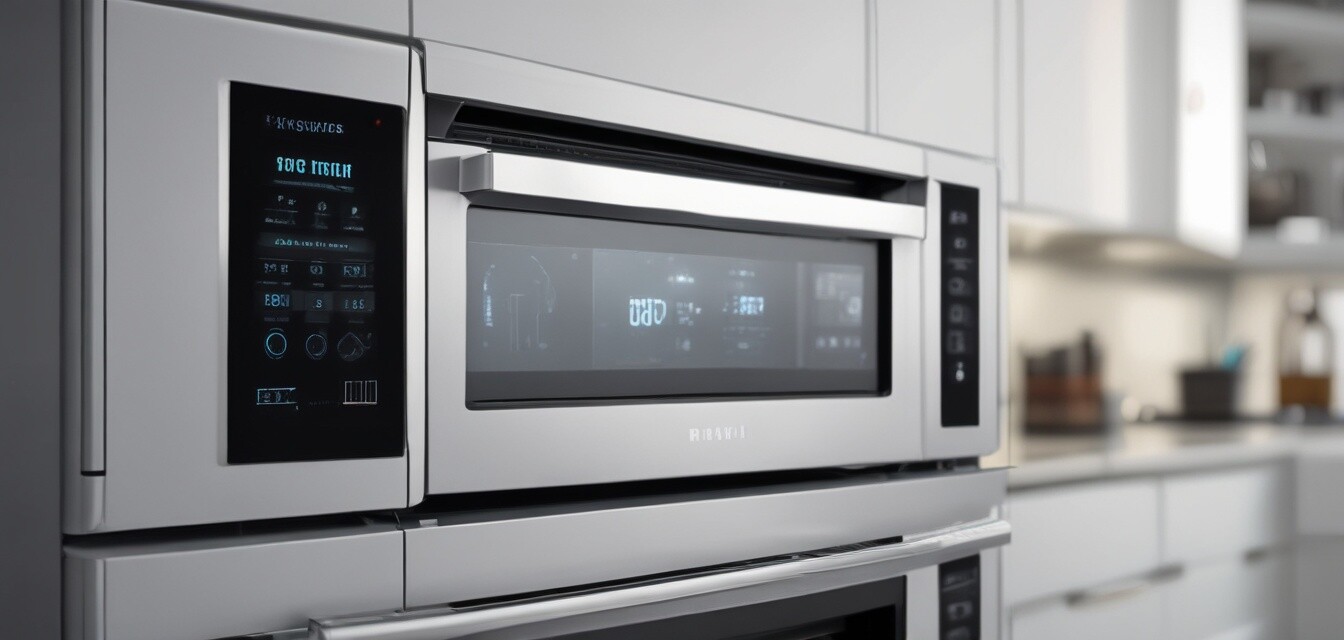
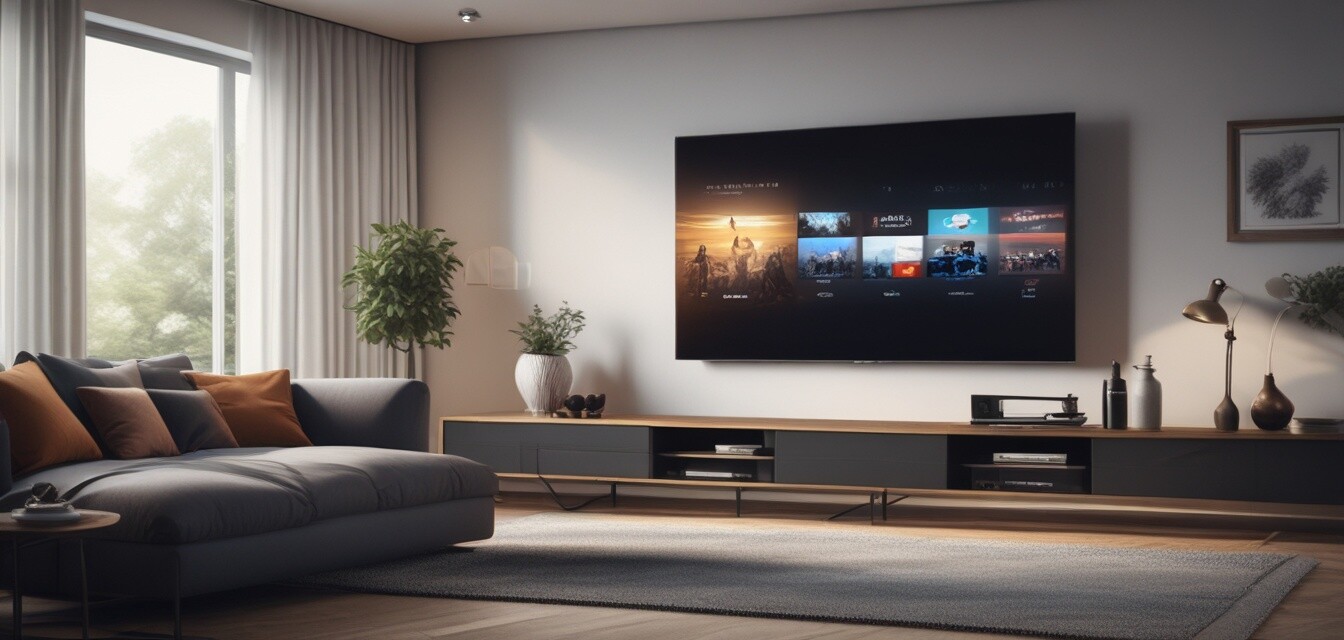
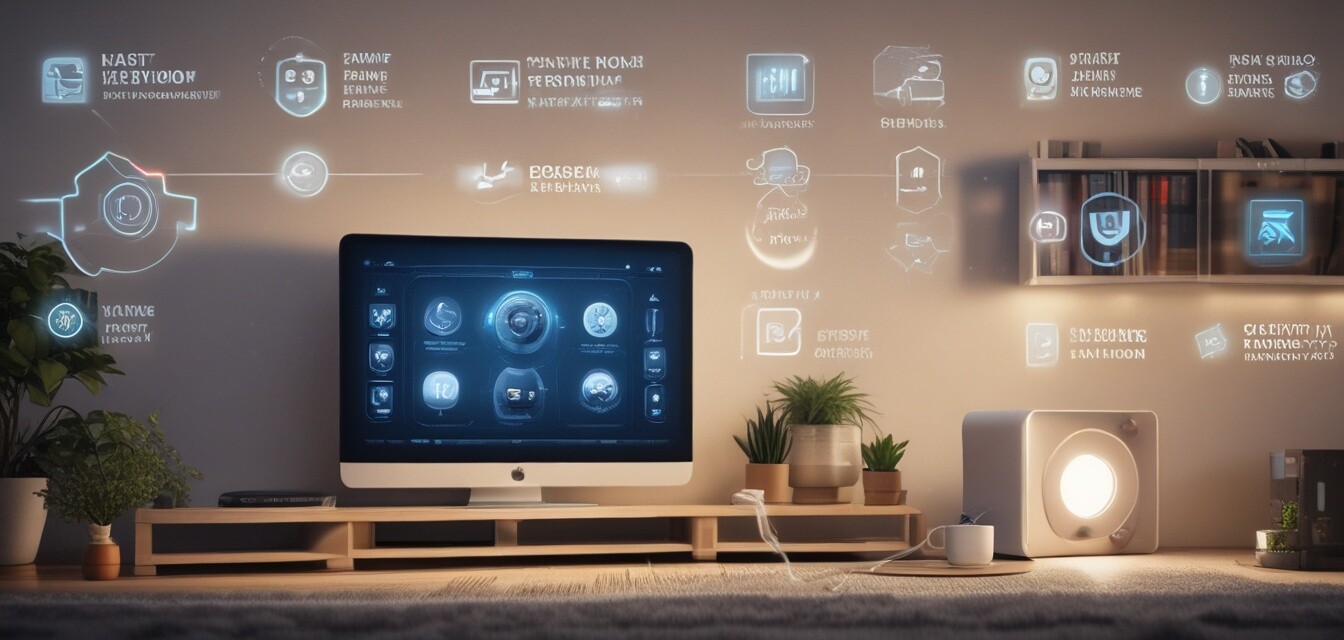
Smart home automation refers to the technology that allows you to control different devices and appliances in your home through one central system. These devices enhance convenience, security, and energy efficiency.
Benefits of smart home automation software
- Improved convenience: Control all your smart devices in one place.
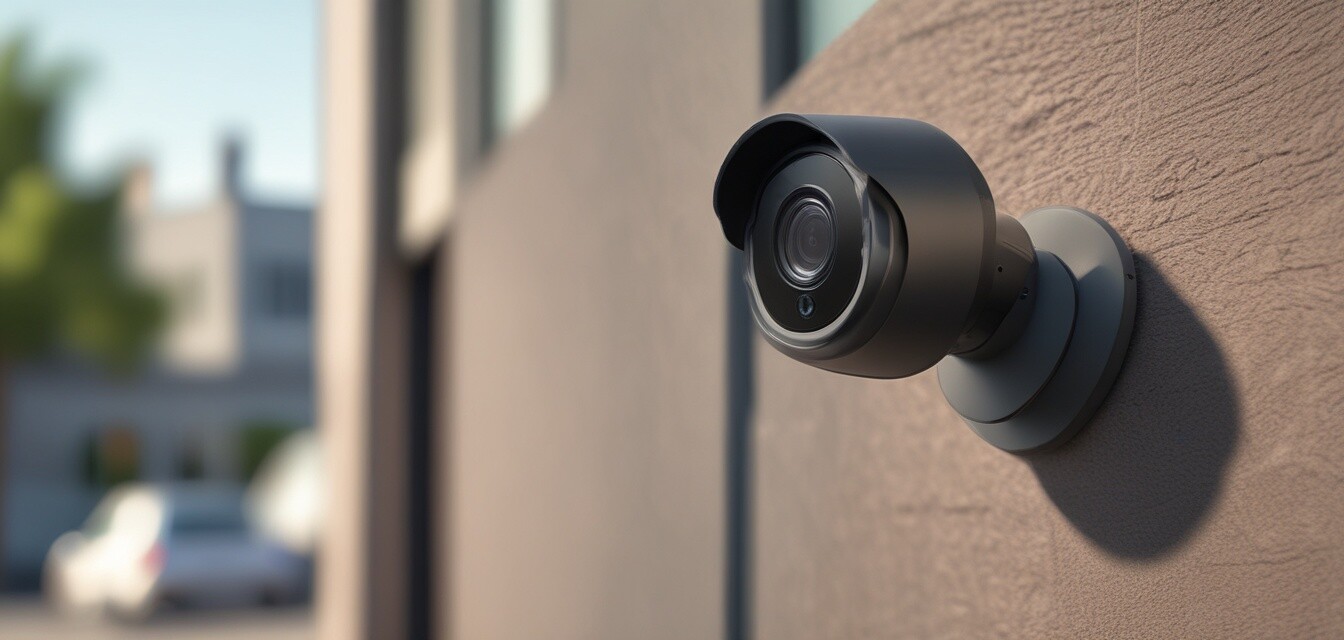
- Enhanced security: Monitor your home from anywhere with real-time alerts.
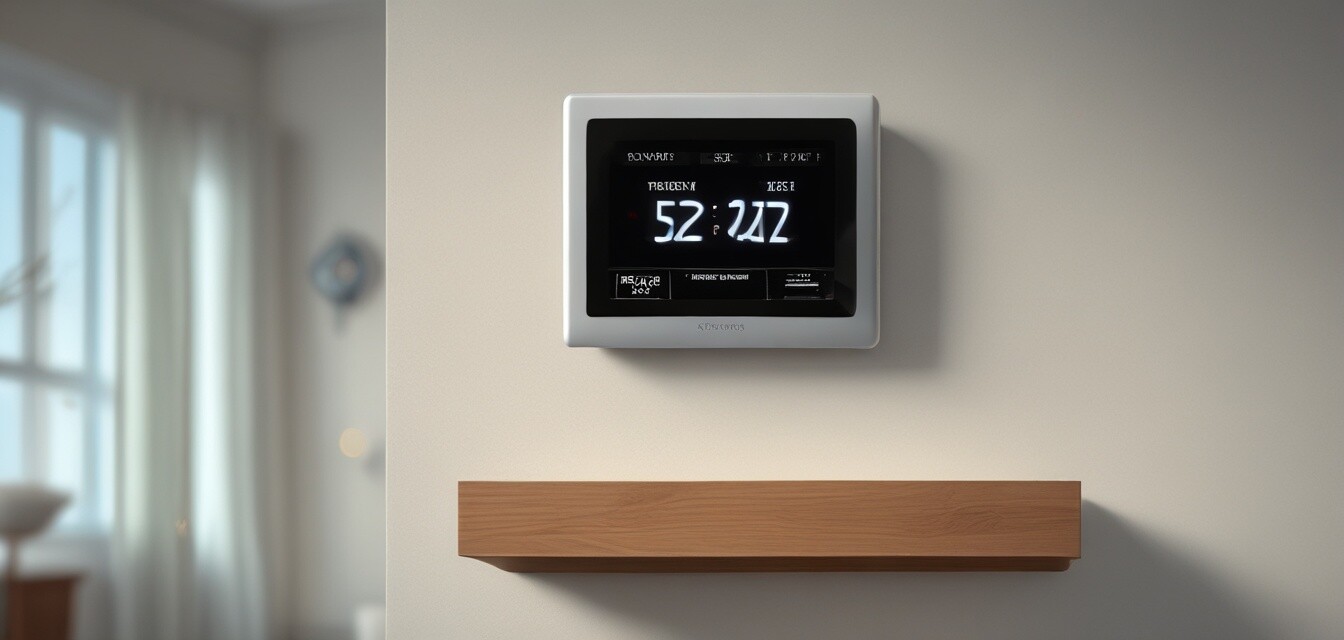
- Energy management: Automate energy-consuming devices to reduce bills.
Types of smart home automation software
Different software solutions cater to various user needs. Here’s a breakdown of the primary types of smart home automation software:
| Type | Description | Best For |
|---|---|---|
| Hub-based software | Requires a central hub to connect all devices. | Users with multiple brands of smart devices. |
| Cloud-based software | Operates through the internet, accessible from anywhere. | Users needing remote access. |
| Open-source software | Highly customizable and flexible, allowing user modifications. | Enthusiasts and tech-savvy users. |
| Mobile apps | Smartphone applications for simple device control. | Users seeking convenience and portability. |
Key features to look for
When selecting smart home automation software, consider the following key features:
- Device compatibility
- User-friendly interface
- Automation capabilities
- Security features
Device compatibility
Ensure that the software is compatible with various devices and brands to allow seamless integration.
User-friendly interface
The interface should be intuitive, enabling easy navigation and control of devices without complications.
Automation capabilities
Look for software that allows for scheduling, triggers, and complex automation scenarios to optimize your routines.
Security features
Robust security features are crucial to keep your smart home safe from cyber threats.
Comparing popular smart home automation software
Here are some popular options available in the market, along with their highlighted features:
| Software | Type | Key Features | Pros | Cons |
|---|---|---|---|---|
| SmartThings | Hub-based | Wide range of compatibility, automation routines | Intuitive interface, great community support | Requires a hub |
| Home Assistant | Open-source | Customizability, local automation | Highly flexible, free to use | Steeper learning curve |
| Amazon Alexa | Cloud-based | Voice control, third-party integration | Regularly updated, multi-device control | Initial setup can be confusing |
| Google Home | Cloud-based | Voice control, smart home routines | User-friendly, seamless integration with Google services | Limited third-party device support |
Setting up your smart home automation software
When it comes to setting up your smart home automation software, the following steps will guide you through the process:
- Choose the right software based on your needs.
- Ensure all devices are compatible with the software.
- Install any necessary hardware, like hubs.
- Download and install the software or app.
- Follow the in-app instructions to connect your devices.
- Set up routines and automation based on your preferences.
Troubleshooting common issues
If you experience issues with your smart home automation setup, consider these troubleshooting tips:
- Check connectivity issues - Ensure all devices are properly connected.
- Update software - Make sure your software and devices are up-to-date.
- Reboot devices - Sometimes a simple reboot can fix many issues.
Social aspects of smart home automation
As smart home automation becomes increasingly popular, consider the implications on your social life. Here’s how it can impact your daily routines:
- Easy hosting: Automate ambiance settings for social events.
- Family integration: Manage screen time and device usage for kids.
- Shared control: Family members can control devices remotely if applicable.
Future of smart home automation software
The future looks promising for smart home automation software. As technology advances, expect to see:
- Increased compatibility across various brands.
- Enhancements in artificial intelligence for smarter routines.
- Improved user interfaces that require less technical knowledge.
Tips for beginners
- Start small: Automate one room before expanding to your whole home.
- Research compatibility: Ensure your devices can work together.
- Take advantage of forums: Join user communities for tips and support.
Pros
- Streamlined control of smart devices
- Potential for energy savings
- Enhanced security features
- Remote access to home systems
Cons
- Initial setup can be complex
- Compatibility issues may arise
- Continuous updates may be necessary
- Potential privacy concerns with data collection
Conclusion
Smart home automation software is essential for enhancing control, convenience, and efficiency in your home. By understanding the different software types, their features, and how to set them up, you can create an integrated smart home experience that works for you. Whether you’re looking at smart appliance controllers or smart lighting systems, the right software can make a significant difference in managing your smart home.