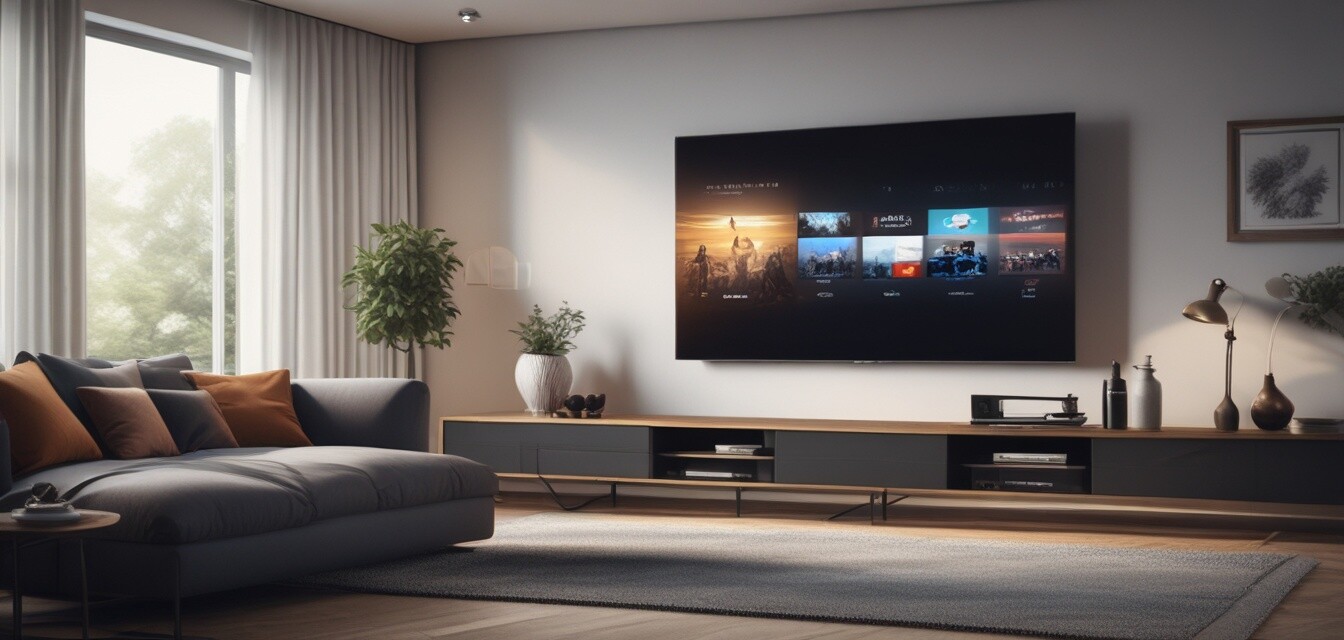
Smart Entertainment Systems
Key Takeaways
- Smart TVs offer advanced connectivity options and streaming capabilities.
- Projectors provide a large screen experience ideal for movie nights.
- Audio systems enhance sound quality for a complete entertainment experience.
- Integration of smart devices improves user convenience and control.
- Choosing the right smart entertainment system can transform your home experience.
In today’s digital age, enhancing your home entertainment setup is more important than ever. With the advent of smart technology, there are numerous options available for creating a fully integrated entertainment experience. This article will explore the various components of smart entertainment systems, including smart TVs, projectors, and audio systems, and how they work together to deliver an unparalleled viewing and listening experience.
What is a smart entertainment system?
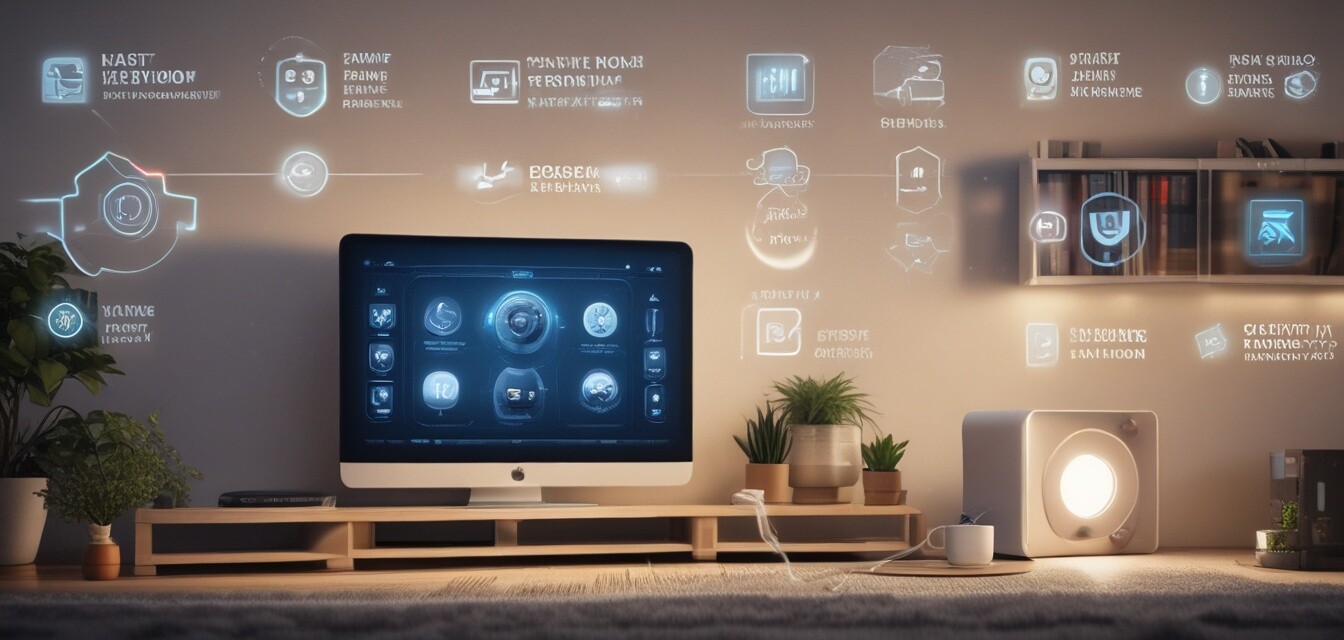
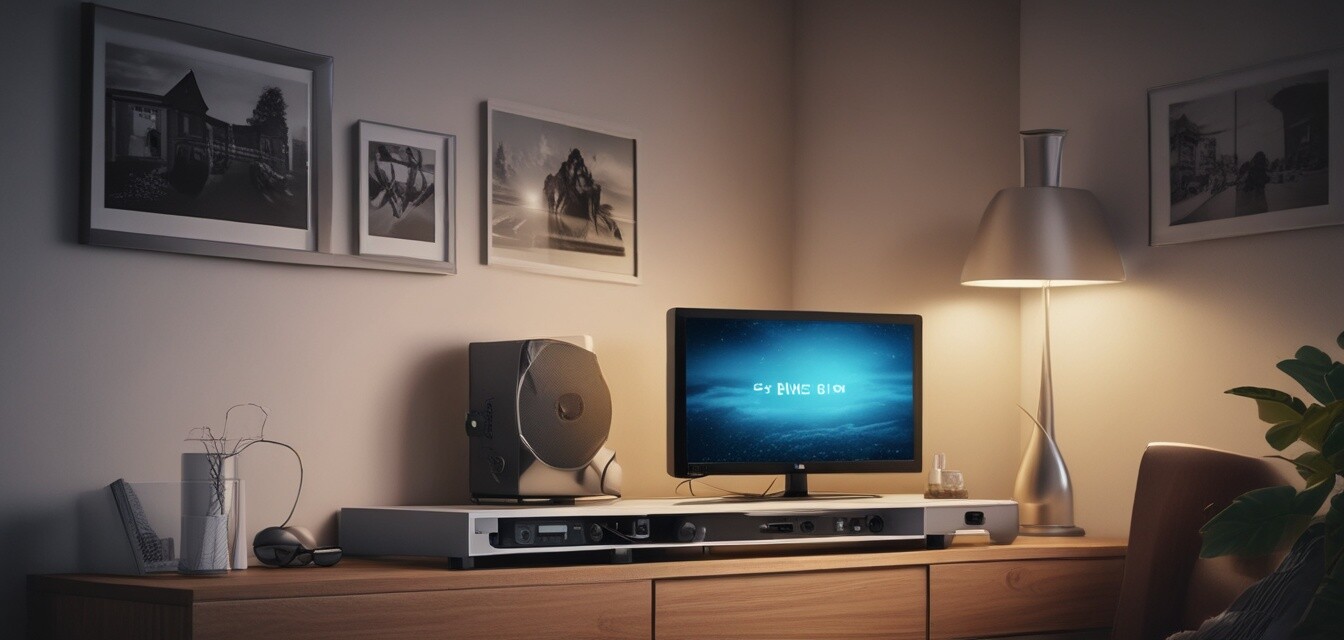
A smart entertainment system is a combination of various devices that connect to each other and can be controlled via a smartphone, tablet, or voice commands. These systems typically include:
- Smart TVs
- Projectors
- Smart speakers
- Streaming devices
- Home theaters
Components of Smart Entertainment Systems
1. Smart TVs
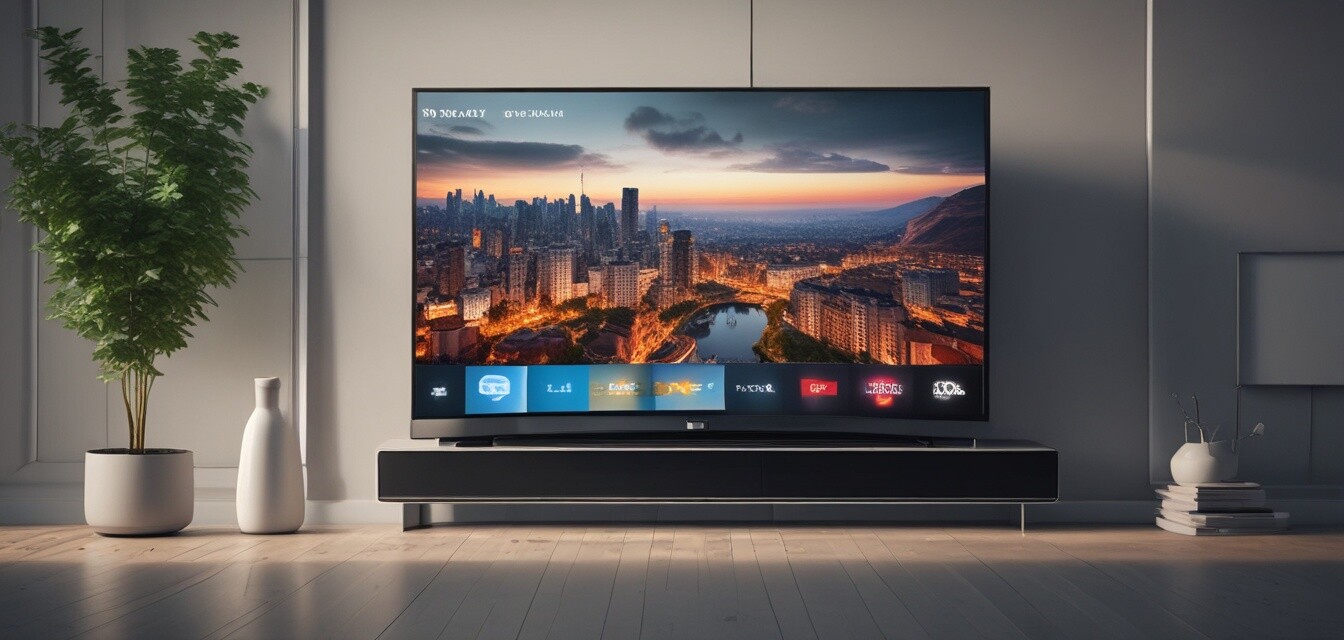
Smart TVs are the centerpiece of any smart entertainment system, providing access to streaming services, apps, and even web browsing. Here are some features to consider:
| Feature | Description |
|---|---|
| Streaming Services | Access to platforms like Netflix, Hulu, and Disney+. |
| Voice Control | Integration with voice assistants like Alexa or Google Assistant. |
| Screen Mirroring | Ability to mirror your smartphone or tablet screen onto the TV. |
| Smart Home Integration | Connect with other smart devices in your home for seamless control. |
2. Projectors
For those who love cinema, projectors can provide a large screen experience perfect for movie nights. Here’s what to consider:
| Feature | Description |
|---|---|
| Image Quality | Resolution (1080p, 4K) and brightness (measured in lumens). |
| Portability | Some models are designed for easy transport for outdoor movie nights. |
| Screen Size | Ability to project images from 60 inches to over 120 inches. |
| Connectivity | HDMI, USB, and wireless connections for ease of use. |
3. Audio Systems
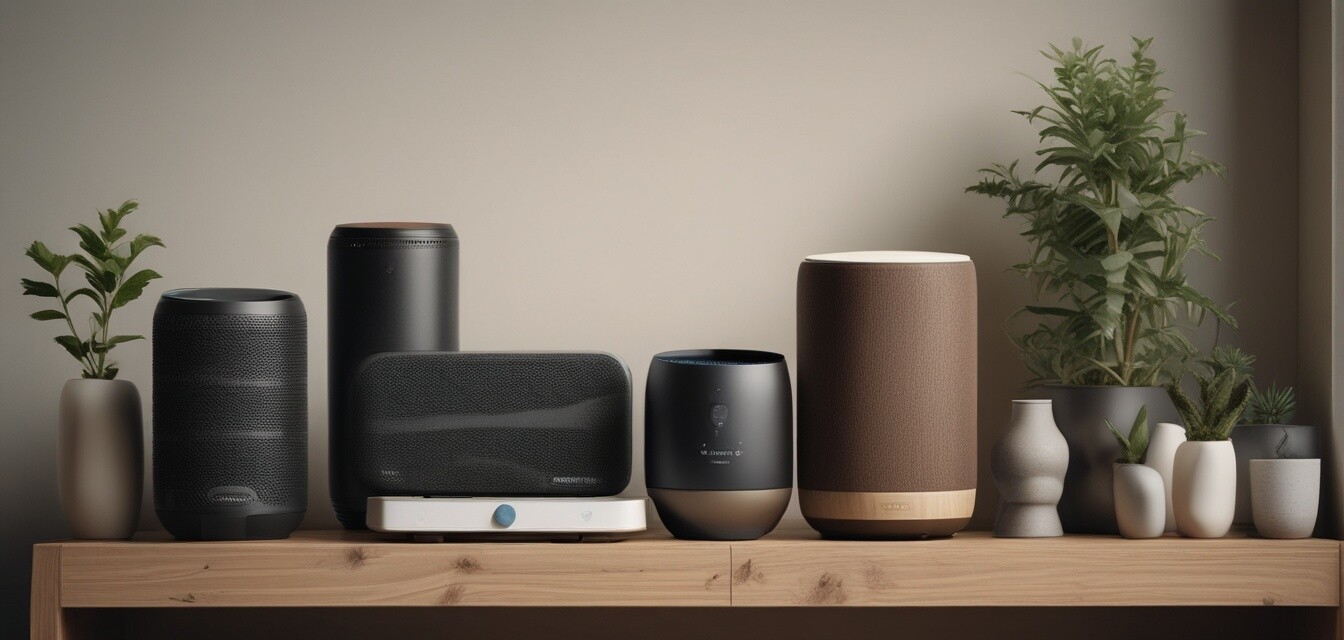
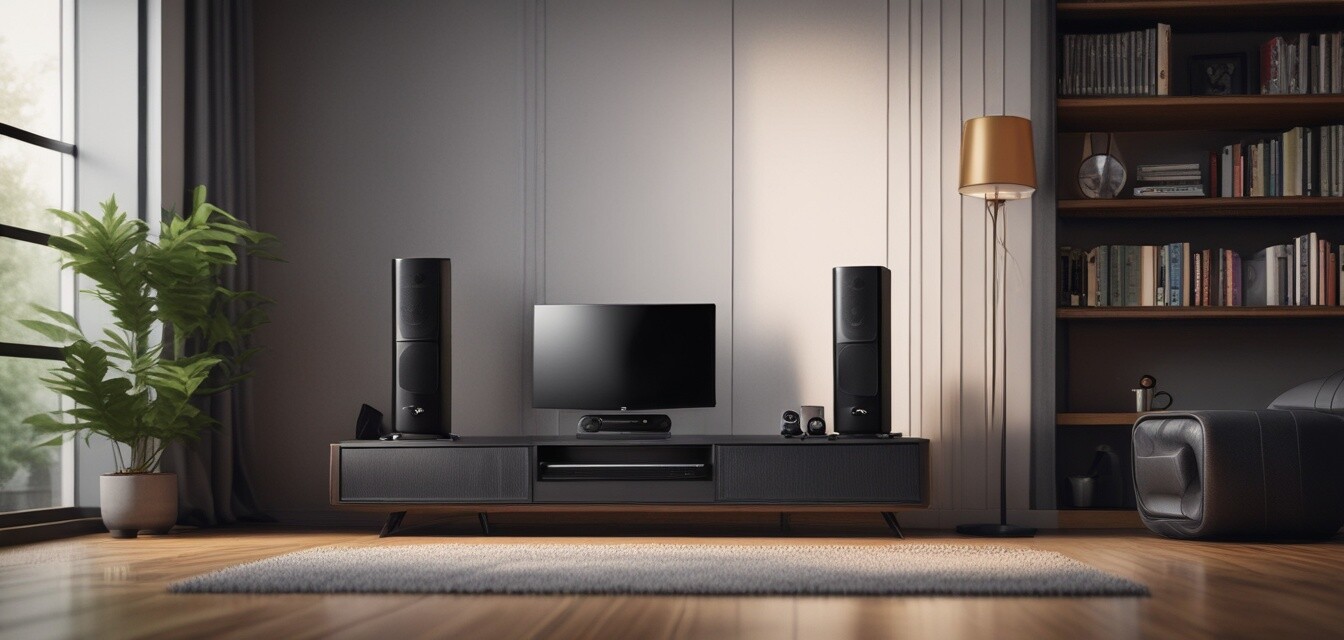
No entertainment system is complete without quality audio. Integrated sound systems provide immersive audio experiences. Key features to look for include:
| Feature | Description |
|---|---|
| Surround Sound | Multi-channel audio systems for an immersive experience. |
| Wireless Connectivity | Bluetooth and Wi-Fi options for seamless music streaming. |
| Smart Integration | Integration with smart home systems for easy control. |
| Voice Assistants | Built-in support for voice commands for hands-free control. |
Benefits of Smart Entertainment Systems
Smart entertainment systems offer numerous advantages for users:
- Convenience: Control all devices from a single interface.
- Customization: Tailor your entertainment experience to your preferences.
- Integration: Easily connect with other smart home devices for enhanced functionality.
- Quality: Enjoy superior sound and picture quality compared to traditional setups.
Setting Up Your Smart Entertainment System
Setting up a smart entertainment system may seem daunting, but with the right guidance, it can be straightforward. Here’s a step-by-step guide:
- Choose your core devices: Decide on a smart TV, projector, or audio system.
- Check compatibility: Ensure all your devices can connect to each other.
- Install necessary apps: Download relevant apps for your smart devices.
- Connect to your home network: Ensure all devices are connected to Wi-Fi.
- Test the setup: Make sure everything is functioning as expected and adjust settings as necessary.
Tips for Beginners
- Start with one device: If you're new to smart systems, begin with a smart TV.
- Research compatibility: Make sure any new purchase integrates with your existing devices.
- Utilize voice control: Take advantage of voice commands for ease of use.
- Keep your software updated: Regular updates can improve functionality and security.
- Explore automation: Set up automated routines to enhance your experience.
Pros
- Enhanced viewing and listening experience.
- Increased convenience with remote control and automation.
- Access to a wide range of content through streaming services.
- Customizable settings for individual preferences.
Cons
- Initial setup can be complex for some users.
- Compatibility issues may arise with older devices.
- Ongoing costs for subscriptions to streaming services.
- Dependence on internet connectivity for optimal performance.
Conclusion
Smart entertainment systems are revolutionizing the way we enjoy movies, music, and more. By understanding the various components, benefits, and setup processes, you can create a personalized entertainment experience that caters to your needs. Whether you choose a smart TV, projector, or audio system, the integration of technology in your home can elevate your leisure time significantly. Explore our other sections on smart speakers and hubs, smart lighting systems, and smart thermostats to enhance your smart home experience even further.